

Introducing
CROX
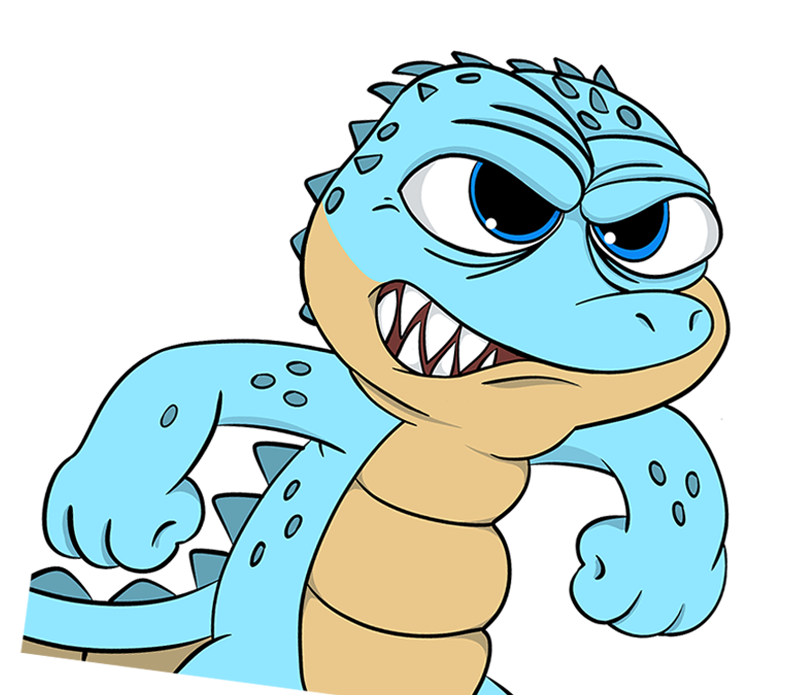
CROX loves chilling with his bros PEPE and PONKE, but at some point they're doomed to become his next meal.






About CROX
Legend has it that deep in the meme-verse swamps, a group of mischievous crocodiles got tired of seeing PEPE rule the roost. They decided it was time for a new king – one with more bite and less ribbit. Thus, CROX was born, a fearless contender ready to snap up the spotlight and give PEPE a run for his money.
How to Buy ?

1
Create a Wallet

To purchase a token on BASE using Uniswap, first set up your Uniswap wallet. Download the Uniswap extension from the official website and install it in your browser. Create a new wallet by following the prompts to set a password and secure your backup
seed phrase. Once your wallet is set up, fund it by transferring BASE from an exchange or another wallet to your Uniswap BASE address.
2
Connect to DEX
Next, connect to Uniswap and click on "Connect Wallet", selecting Uniswap from the options. Approve the connection in the Uniswap pop-up to link your wallet to the DEX. This will allow you to trade directly from your Uniswap wallet.
3
Swap BASE for Tokens

To swap BASE for your desired token, select BASE in the "from" field and choose CROX in the "to" field. Enter the amount of BASE you want to swap, and the DEX will show the estimated amount of tokens you'll receive. Click "Swap" or "Exchange," then confirm
the transaction in the Uniswap pop-up window. Make sure to review all details before finalizing the transaction.
4
Verify and Manage Tokens
Finally, verify your transaction status in Uniswap under the "Activity" tab or on Basescan using your BASE address. Your new tokens should now be visible in your Uniswap wallet, and you can manage, send, or trade them as needed.
Tokenomics!
Token
Information
Information
Token Name
$BASECROX
Network
BASE
No Tax
0/0
Supply
Information
Information
CA
0x1d0E08b80fe2Fd3b66afe99216b4396929916c33
Initial Supply
1B
Circulating Supply
1B
Liquidity
BURNED